
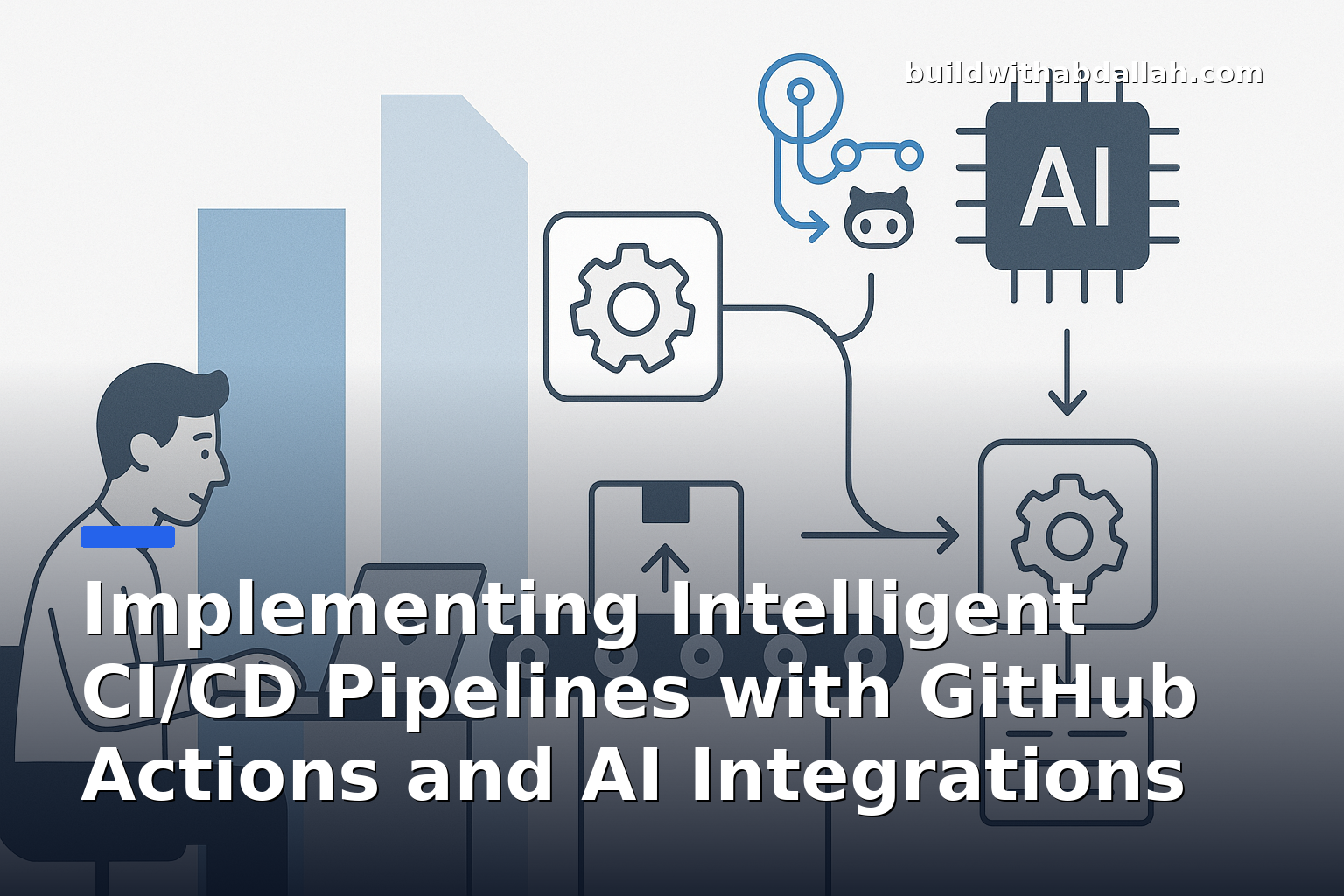
Implementing Intelligent CI/CD Pipelines with GitHub Actions and AI Integrations
Continuous Integration and Continuous Deployment (CI/CD) pipelines are crucial for modern software development, enabling teams to automate testing and deployment processes. By integrating AI into these pipelines, you can enhance decision-making, optimize performance, and improve the overall efficiency of your development workflow. In this tutorial, we'll explore how to implement an intelligent CI/CD pipeline using GitHub Actions and AI integrations.
What You'll Build
By the end of this tutorial, you will have a CI/CD pipeline that:
- Automatically runs tests and deploys your application on code changes.
- Integrates AI to analyze test results and suggest improvements.
- Utilizes GitHub Actions to automate the entire process.
Here's a sneak peek of the final outcome:
- A GitHub repository with a fully functional CI/CD pipeline.
- Automated test execution and deployment on every push to the main branch.
- AI-driven insights into test performance and optimization suggestions.
Why This Matters
Incorporating AI into your CI/CD pipelines offers numerous benefits:
- Enhanced Decision-Making: AI can analyze test data to provide insights that help developers make informed decisions about code changes.
- Increased Efficiency: Automating repetitive tasks with AI reduces manual effort, allowing developers to focus on more critical work.
- Improved Code Quality: AI can identify patterns and anomalies in test results, helping to catch potential issues early.
This approach is particularly useful for:
- Development teams looking to improve their software delivery processes.
- Organizations aiming to integrate AI into their existing workflows.
- Projects that require rapid iteration and deployment.
Architecture Overview
The architecture of our intelligent CI/CD pipeline can be broken down into the following components:
[GitHub Repository] -> [GitHub Actions CI/CD Pipeline] -> [AI Integration for Insights] -> [Deployment]
- GitHub Repository: The source code is hosted here, and any changes trigger the CI/CD pipeline.
- GitHub Actions CI/CD Pipeline: This automates the testing and deployment process.
- AI Integration for Insights: AI tools analyze test results and provide optimization suggestions.
- Deployment: The application is deployed to the desired environment.
Step-by-Step Implementation
Let's dive into the implementation of our intelligent CI/CD pipeline.
Step 1: Setting Up Your GitHub Repository
First, you need a GitHub repository to host your source code. If you don't have one already, create a new repository on GitHub.
- Navigate to GitHub and log in.
- Click on the "+" icon in the top-right corner and select "New repository".
- Fill in the repository name, description, and choose whether it will be public or private.
- Click "Create repository".
Once your repository is created, clone it to your local machine:
git clone https://github.com/your-username/your-repo.git
cd your-repo
Step 2: Writing a Simple Application
For demonstration purposes, we'll create a simple Node.js application. Initialize a new Node.js project and create an index.js file:
npm init -y
Create an index.js file with the following content:
// index.js
const express = require('express');
const app = express();

app.get('/', (req, res) => {
  res.send('Hello, World!');
});

const PORT = process.env.PORT || 3000;
app.listen(PORT, () => {
  console.log(`Server is running on port ${PORT}`);
});
Add Express to your project:
npm install express
Step 3: Configuring GitHub Actions for CI/CD
Now, let's set up GitHub Actions to automate our CI/CD pipeline. Create a directory named .github/workflows in the root of your project and add a file named ci-cd.yml:
# .github/workflows/ci-cd.yml
name: CI/CD Pipeline

on:
  push:
    branches:
      - main

jobs:
  build:
    runs-on: ubuntu-latest

    steps:
    - name: Checkout code
      uses: actions/checkout@v2

    - name: Set up Node.js
      uses: actions/setup-node@v2
      with:
        node-version: '14'

    - name: Install dependencies
      run: npm install

    - name: Run tests
      run: npm test

    - name: Deploy
      run: |
        echo "Deploying application..."
        # Add your deployment script here
This configuration does the following:
- Triggers the workflow on every push to the
mainbranch. - Checks out the code from the repository.
- Sets up Node.js environment.
- Installs dependencies.
- Runs tests (you'll need to add some tests for this step to be meaningful).
- Deploys the application (you'll need to replace the echo command with actual deployment logic).
In the next steps, we will integrate AI tools to analyze test results and provide insights.
Step 4: Integrating AI for Test Insights
To enhance our CI/CD pipeline with AI insights, we will use an AI service that can analyze test results and provide optimization suggestions. For this tutorial, we will simulate AI integration using a simple script that analyzes test output.
First, ensure you have some tests in place. Create a test directory and add a test file:
mkdir test
touch test/index.test.js
Add a basic test using a testing framework like Mocha:
// test/index.test.js
const assert = require('assert');

describe('Basic Test', () => {
  it('should return true', () => {
    assert.strictEqual(true, true);
  });
});
Install Mocha as a development dependency:
npm install --save-dev mocha
Update your package.json to include a test script:
"scripts": {
  "test": "mocha"
}
Now, create a script that simulates AI analysis:
touch analyze.js
Add the following content to analyze.js:
// analyze.js
const fs = require('fs');

function analyzeTestResults() {
  // Simulate reading and analyzing test results
  const testResults = fs.readFileSync('test-results.txt', 'utf8');
  console.log('Analyzing test results...');
  // Simulate AI-driven insights
  console.log('AI Suggestion: Consider optimizing your test suite for better coverage.');
}

analyzeTestResults();
Modify your GitHub Actions workflow to include this analysis step:
# .github/workflows/ci-cd.yml
name: CI/CD Pipeline

on:
  push:
    branches:
      - main

jobs:
  build:
    runs-on: ubuntu-latest

    steps:
    - name: Checkout code
      uses: actions/checkout@v2

    - name: Set up Node.js
      uses: actions/setup-node@v2
      with:
        node-version: '14'

    - name: Install dependencies
      run: npm install

    - name: Run tests
      run: npm test

    - name: Analyze test results
      run: |
        echo "true" > test-results.txt
        node analyze.js

    - name: Deploy
      run: |
        echo "Deploying application..."
        # Add your deployment script here
Step 5: Deployment
For deployment, you need to specify where and how your application will be deployed. This could be a cloud provider like AWS, Azure, or a platform like Heroku. For simplicity, we'll keep it as a placeholder in the workflow.
Replace the deployment step with your actual deployment logic. For example, if you're deploying to Heroku, you might use the Heroku CLI:
    - name: Deploy to Heroku
      run: |
        heroku login
        git push heroku main
Common Mistakes
-
Incorrect Node.js Version: Ensure the correct Node.js version is specified in your GitHub Actions workflow. Mismatched versions can lead to unexpected errors.
-
Missing Dependencies: Double-check that all necessary dependencies are listed in
package.jsonand installed during the CI process. -
Deployment Failures: Ensure your deployment script is correctly configured and has the necessary permissions to deploy to your target environment.
How I Would Use This
I would use this intelligent CI/CD pipeline in a development environment where rapid iteration and deployment are crucial. The AI insights can be particularly valuable for large projects with extensive test suites, helping to optimize and improve code quality. However, I would avoid using this setup in environments where the AI analysis adds unnecessary complexity or cost, especially if the test suite is small and straightforward.
Lessons Learned
- AI Integration: While AI can provide valuable insights, it requires careful consideration of the trade-offs between added complexity and real benefits.
- Automation Benefits: Automating CI/CD processes significantly reduces manual effort, but it requires a solid understanding of your deployment environment to avoid pitfalls.
- Testing: Robust test coverage is essential for meaningful AI analysis. Without comprehensive tests, AI insights might be limited or misleading.
Next Steps
- Explore Advanced AI Tools: Look into more sophisticated AI tools and services that can integrate with CI/CD pipelines, such as TensorFlow or AWS AI services.
- Expand Test Coverage: Enhance your test suite to cover more scenarios, increasing the value of AI-driven insights.
- Deployment Automation: Automate deployment to various environments and explore infrastructure as code tools like Terraform.